If you’ve ever created a social media post, presentation, or simple design, chances are you’ve used Canva. It’s popular for a reason. It’s easy, quick, and beginner friendly. But as your needs grow, or if you want more flexibility, you might start looking for better options.
That’s where Canva alternatives come in.
Some tools are simpler. Some are more powerful. Others focus on specific tasks like photo editing, branding, or team collaboration. The good news is that there’s something for everyone, whether you’re just starting out or working as a professional designer.
Let’s explore the best Canva alternatives for beginners and professionals and help you find the right fit.
Why Look for Canva Alternatives?
Before jumping into the tools, it helps to understand why people switch.
Here are some common reasons:
- Limited advanced design features
- Repetitive templates that feel overused
- Pricing concerns for premium assets
- Need for better control over designs
- Desire for more unique or professional output
Canva is great for quick designs, but it may not always meet every need. That’s why exploring Canva alternatives can open up new possibilities.
What to Look for in Canva Alternatives
Not all tools are built the same. When choosing a design platform, consider:
- Ease of use
- Template variety
- Customization options
- Pricing
- Collaboration features
- Export quality
Beginners often prefer simplicity, while professionals usually want more control and precision.
Best Canva Alternatives for Beginners
If you’re new to design, these tools are easy to learn and still powerful enough to create great visuals.
1. Adobe Express

Adobe Express is one of the most popular Canva alternatives for beginners.
It offers:
- Simple drag and drop editor
- Ready made templates
- Quick social media resizing
- Basic animation features
The interface is clean and easy to understand. Even if you’ve never designed anything before, you can create posts in minutes.
What makes it stand out is its balance between simplicity and quality. It feels beginner friendly but still produces polished results.
Best for: Social media graphics, quick designs, beginners who want something slightly more advanced than Canva
2. VistaCreate

VistaCreate is another strong option that looks and feels similar to Canva.
It includes:
- Thousands of templates
- Animated design options
- Easy background removal
- Free assets
One of its biggest advantages is that many features are available for free. That makes it a great choice if you’re on a budget.
The layout is intuitive, so you won’t feel lost while using it.
Best for: Beginners, content creators, small business owners
3. Snappa

Snappa focuses on simplicity.
It offers:
- Pre-sized templates for social media
- Fast editing tools
- A clean and minimal interface
There’s no learning curve here. You can create graphics quickly without digging through complex settings.
However, it may feel limited if you want advanced features later.
Best for: Bloggers, marketers, quick design tasks
4. Piktochart

If your focus is on infographics or presentations, Piktochart is worth trying.
It helps you:
- Create charts and reports
- Design presentations
- Turn data into visuals
It’s very beginner friendly and focuses on clarity rather than heavy design.
Best for: Students, educators, business reports
Best Canva Alternatives for Professionals
If you need more control, precision, or advanced features, these tools are better suited for professional work.
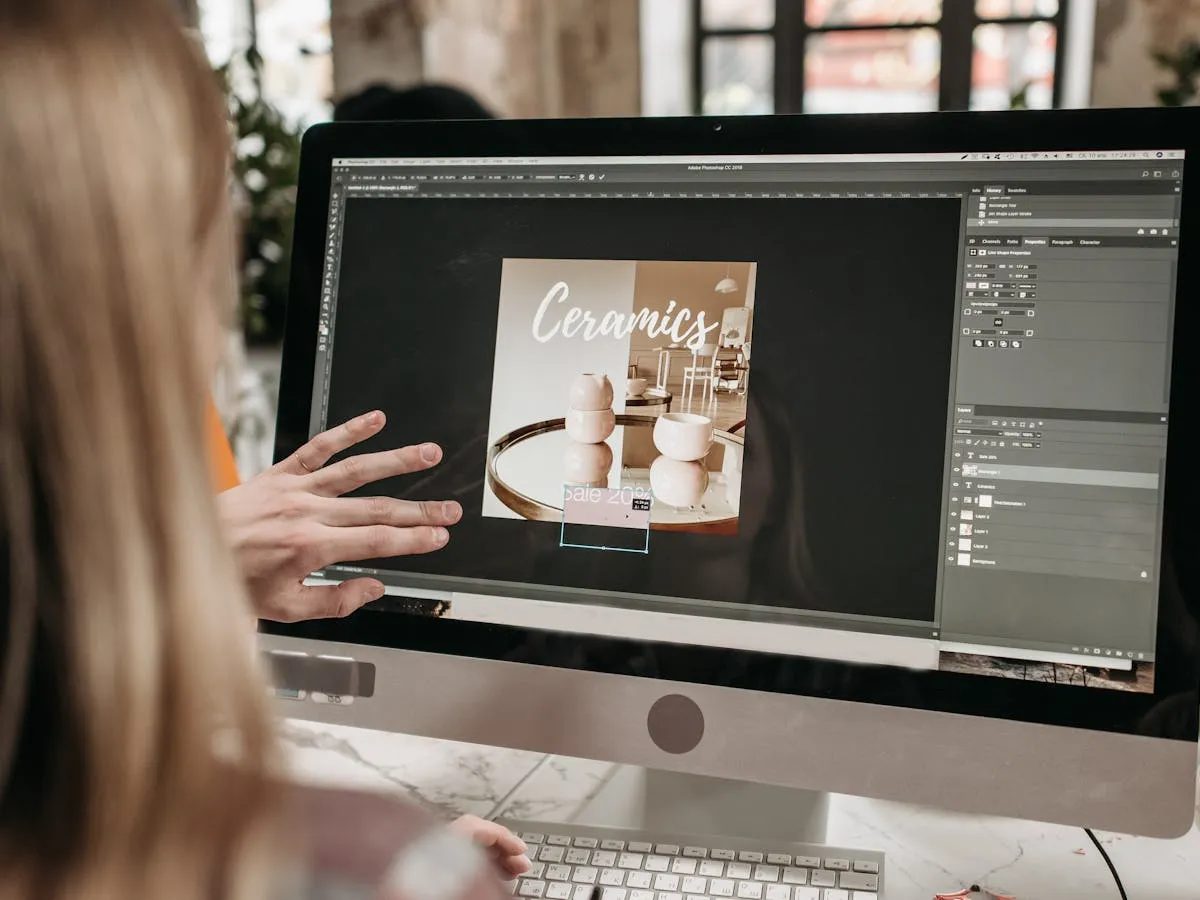
5. Adobe Photoshop

Photoshop is one of the most powerful design tools available.
It offers:
- Full control over images
- Advanced editing tools
- Layer based design
- High quality output
Unlike Canva, Photoshop doesn’t rely on templates. You build designs from scratch or customize everything in detail.
It does take time to learn, but once you get comfortable, the possibilities are endless.
Best for: Professional designers, photographers, detailed editing work
6. Adobe Illustrator

Illustrator is ideal for vector graphics.
It allows you to:
- Create logos and icons
- Design illustrations
- Scale designs without losing quality
If you’re serious about branding or logo design, this is a great Canva alternative.
It’s more technical than Canva, but the results are much more unique and polished.
Best for: Logo designers, illustrators, branding experts
7. Figma

Figma is widely used for UI and UX design, but it’s also a strong general design tool.
Key features include:
- Real time collaboration
- Clean and flexible interface
- Design systems and components
One of its biggest strengths is teamwork. Multiple people can work on the same design at once.
Figma is also cloud based, so you don’t need to install anything.
Best for: Teams, web designers, app designers
8. Affinity Designer

Affinity Designer is a great one-time purchase alternative to subscription tools.
It offers:
- Vector and raster design in one app
- Smooth performance
- Professional level tools
Many designers prefer it because it’s powerful but more affordable than Adobe products.
Best for: Freelancers, professionals looking for a budget friendly option
Canva Alternatives for Specific Needs
Sometimes you’re not looking for a general design tool. You might need something specific.
Here are a few specialized Canva alternatives.
For Social Media Content
- Adobe Express
- VistaCreate
- Snappa
These tools focus on speed and ready made templates.
For Branding and Logos
- Adobe Illustrator
- Affinity Designer
They provide precision and scalability, which is essential for branding work.
For Team Collaboration
- Figma
It’s built for teams and makes working together seamless.
For Data and Presentations
- Piktochart
Great for turning complex information into easy visuals.
Free vs Paid Canva Alternatives
You don’t always need to spend money.
Free Options
- VistaCreate
- Snappa
- Piktochart
These offer enough features for most beginners.
Paid Options
- Adobe Photoshop
- Adobe Illustrator
- Affinity Designer
Paid tools usually give:
- More control
- Better quality output
- Advanced customization
If you’re working professionally, investing in a paid tool can make a big difference.
How to Choose the Right Canva Alternative
Choosing the right tool depends on your goals.
Ask yourself:
- Are you a beginner or a professional?
- Do you need quick designs or detailed work?
- Are you working alone or in a team?
- What is your budget?
Simple Guide
- If you want easy and quick: go for Adobe Express or VistaCreate
- If you want advanced design: choose Photoshop or Illustrator
- If you work with teams: pick Figma
- If you want a budget professional tool: try Affinity Designer
Tips for Switching from Canva
Moving to a new tool can feel confusing at first. Here are a few tips to make it easier:
- Start with simple projects
- Explore templates first
- Watch short tutorials
- Practice regularly
- Don’t try to learn everything at once
Every tool has its own workflow. Give yourself time to adjust.
Final Thoughts
Canva is a great starting point, but it’s not the only option out there. Exploring Canva alternatives can help you grow your skills and create better designs.
Beginners can find simple tools that make design easy and fun. Professionals can unlock advanced features and complete creative control.
The key is choosing a tool that matches your needs.
If you’re just starting, keep things simple. If you’re ready to level up, try more powerful platforms. Either way, there’s a perfect Canva alternative waiting for you.
