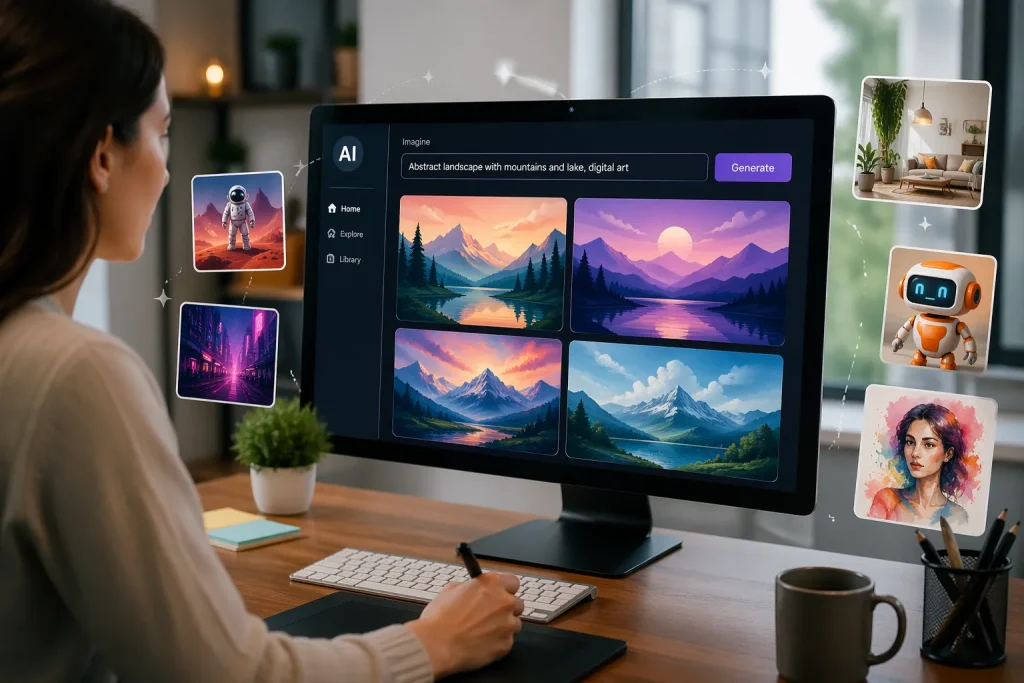
What if you could create stunning images for your blog, social media, or marketing campaigns without learning graphic design? For many people, creating visuals used to require expensive software and years of practice. Today, artificial intelligence has changed that completely.
AI powered tools can now generate high quality images from simple text prompts. You describe what you want and the tool creates the image for you in seconds. This makes visual creation easier for bloggers, small business owners, marketers, students, and content creators.
In this article, we will explore how a free AI image generator works, why these tools are becoming so popular, and how you can use them to create professional visuals even if you have no design experience.
What Is an AI Image Generator?
An AI image generator is a tool that creates images based on written descriptions. Instead of drawing or editing manually, you simply type a prompt such as:
- “A futuristic city at sunset with flying cars”
- “Minimalist workspace with laptop and coffee”
- “Watercolor painting of mountains and lake”
The AI analyzes your description and generates an image that matches it. Most platforms allow you to download the image or edit it further.
The technology behind these tools uses machine learning models trained on large datasets of images and artwork. This allows the system to understand patterns, styles, lighting, and composition.
The result is a tool that can create illustrations, realistic photos, digital art, and marketing visuals in seconds.
Why AI Image Generators Are Becoming Popular
AI image tools are growing quickly because they solve several problems for creators and businesses.
1. No Design Skills Required
Traditional graphic design often requires knowledge of tools like Photoshop or Illustrator. AI tools remove that barrier. Anyone who can write a simple sentence can generate an image.
2. Saves Time
Designing visuals manually can take hours. AI can produce multiple images within seconds, which helps content creators work faster.
3. Reduces Costs
Hiring designers or buying stock images can be expensive. A free AI image generator allows creators to produce unique visuals without paying for every image.
4. Endless Creativity
AI tools can generate images in different styles such as cartoon, realistic photography, watercolor art, or digital illustration. This gives creators unlimited creative possibilities.
Popular Free AI Image Generator Tools
Many platforms now offer AI image generation. Some provide limited free plans while others offer fully free access.
1. DALL·E
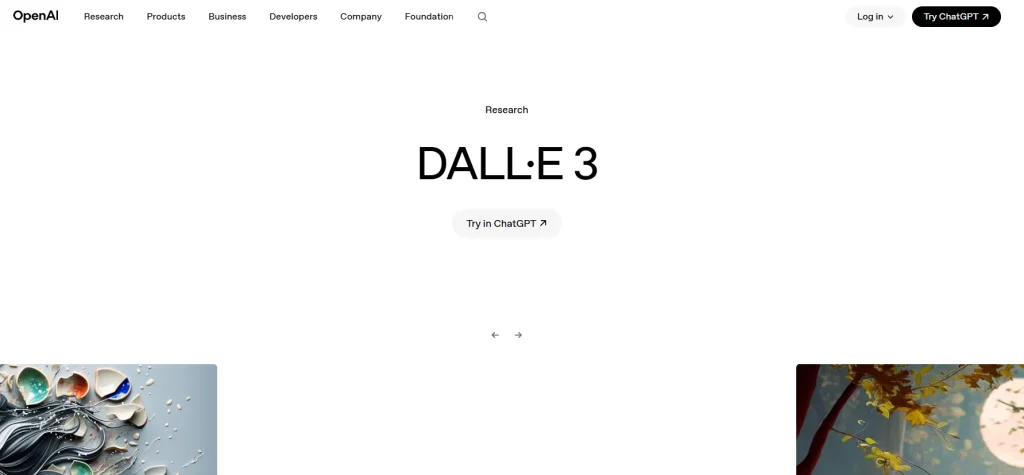
DALL·E is one of the most well-known AI image generators. It allows users to create highly detailed visuals from text prompts. The tool can generate realistic images, illustrations, and creative artwork.
It also supports editing features where you can modify specific parts of an image.
2. Midjourney
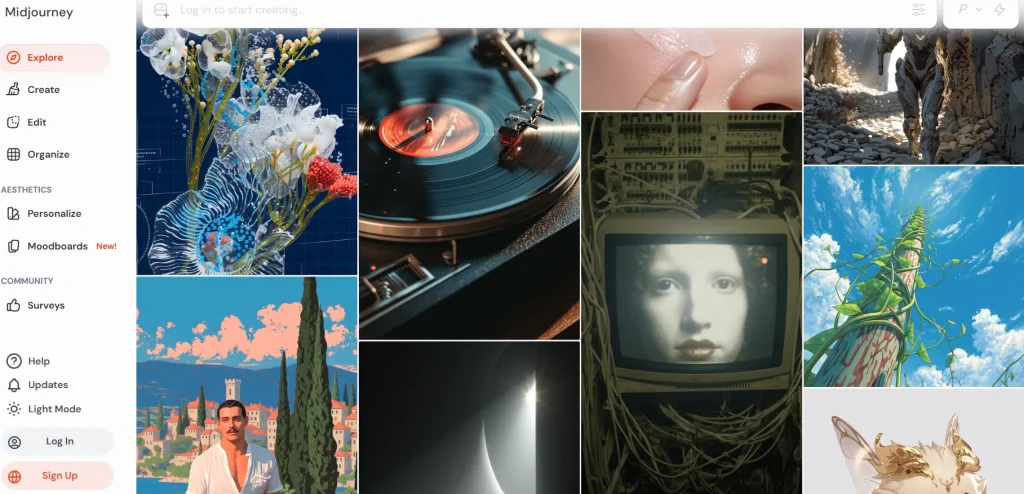
Midjourney is popular among artists and designers for its artistic image style. The tool often produces highly stylized and creative visuals that look like digital paintings.
Many creators use it to generate concept art and fantasy themed images.
3. Stable Diffusion
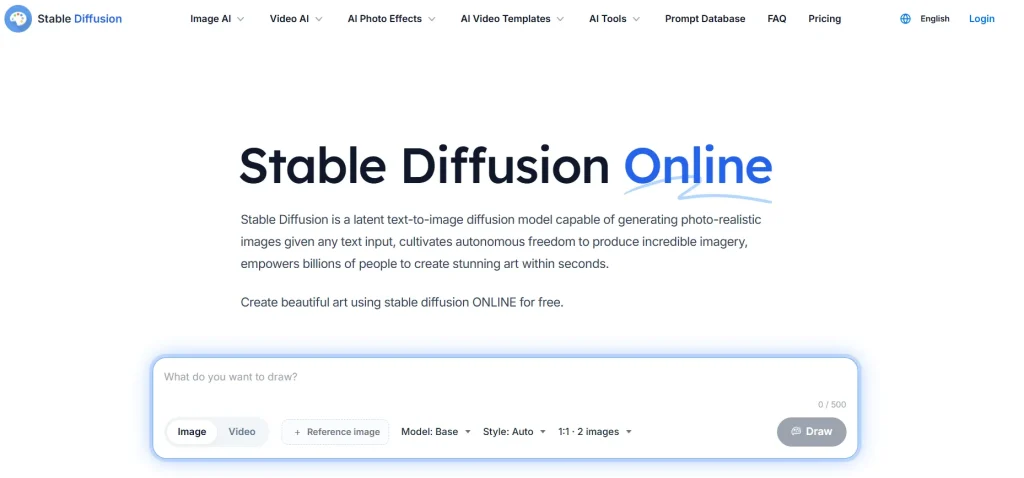
Stable Diffusion is an open-source AI image model that developers and creators widely use. It allows users to generate images locally or through online platforms.
Because it is open source, many websites provide free access to it.
4. Canva AI Image Generator
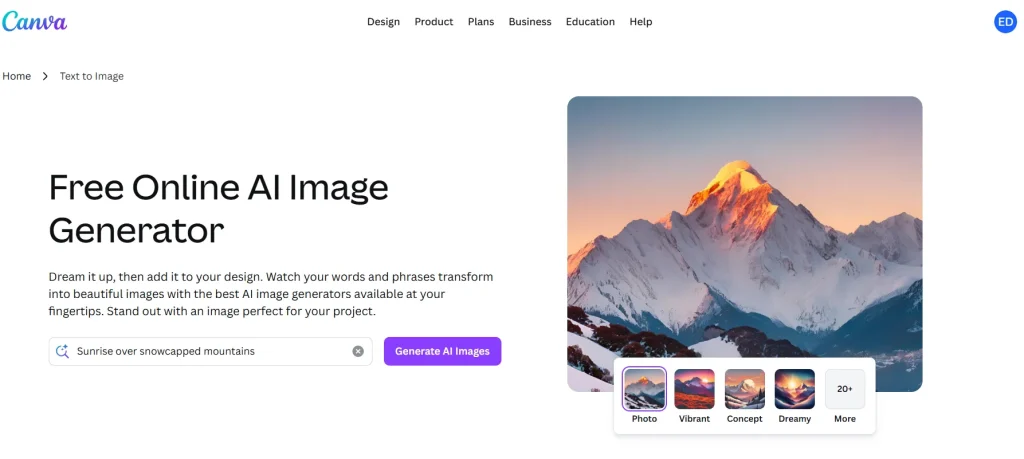
Canva includes an AI image generation feature inside its design platform. This makes it easy to generate visuals and place them directly into social media posts, presentations, or marketing graphics.
How to Create Images Using AI
Creating AI generated images is surprisingly simple. Most platforms follow a similar process.
Step 1: Choose an AI Tool
Select a platform that offers image generation. Some tools focus on artistic images while others create realistic visuals.
Step 2: Write a Clear Prompt
The prompt tells the AI what image to generate. A good prompt includes:
- Subject of the image
- Style or art type
- Lighting or environment
- Colors or mood
Example prompt:
“Realistic photo of a modern home office with plants, natural light, and minimal design”
Step 3: Generate the Image
Click the generate button and wait a few seconds. The AI will produce several variations of your image.
Step 4: Refine Your Prompt
If the image is not perfect, adjust your description and generate again. Small changes can produce very different results.
Step 5: Download and Use
Once you find an image you like, you can download it and use it in your blog, presentation, website, or marketing materials.
Tips to Get Better Results from AI Image Generators
Although AI tools are powerful, the quality of your results depends on your prompt.
Be Specific
Instead of writing “city skyline”, try something like:
“Night city skyline with neon lights reflecting on the river, cyberpunk style”
Mention the Style
Styles help the AI understand the look you want. Examples include:
- watercolor painting
- digital illustration
- cinematic photography
- minimalist design
Include Lighting and Mood
Lighting can make a big difference in the final image.
Examples:
- golden hour lighting
- dramatic shadows
- soft natural light
Experiment Often
The best way to learn is by experimenting with different prompts and styles.
Who Can Benefit from AI Image Generators?
AI image generators are useful for many types of users.
Bloggers
Bloggers can quickly create unique featured images, blog graphics, and illustrations.
Social Media Creators
Content creators can generate eye catching visuals for Instagram, YouTube thumbnails, and other platforms.
Small Businesses
Businesses can create marketing images, product concepts, and promotional graphics without hiring designers.
Students and Educators
AI images can help create presentations, visual learning materials, and educational content.
Limitations of AI Image Generators
Although these tools are powerful, they still have some limitations.
Image accuracy: Sometimes the AI may generate unusual details or distortions.
Prompt dependency: The quality of the result depends heavily on the prompt.
Usage rights: Some platforms have rules about how generated images can be used commercially.
Despite these limitations, AI image generation technology is improving quickly.
The Future of AI Generated Images
AI image technology is advancing rapidly. Future tools will likely offer:
- More realistic image generation
- Faster processing times
- Better editing controls
- Integration with design software
- Personalized style training
As these tools evolve, visual content creation will become even more accessible.
Final Thoughts
Creating professional visuals no longer requires years of design experience. With AI powered tools, anyone can turn simple text into impressive artwork or marketing images.
Whether you are a blogger, marketer, student, or small business owner, an AI image generator can help you produce high quality visuals quickly and easily.
If you have never tried one before, now is the perfect time to explore a free AI image generator and see how simple it is to bring your ideas to life.
With just a few words, your imagination can become a powerful visual creation tool.