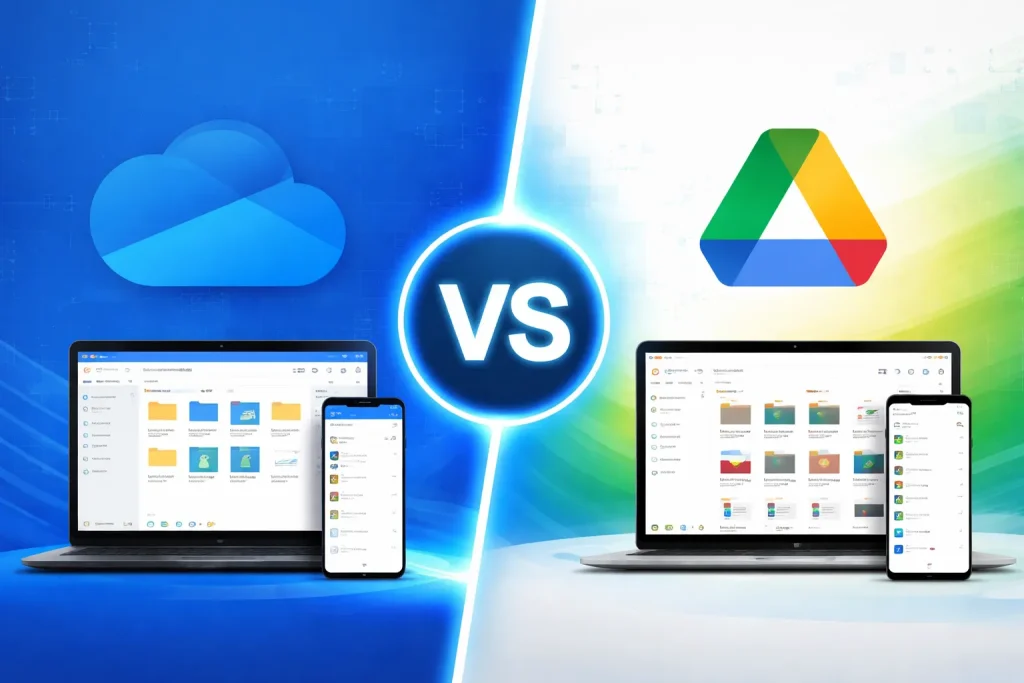
Where do you keep your important files today? Photos, documents, work files, and backups often live in the cloud. Two of the most popular services people rely on are Microsoft OneDrive and Google Drive. Both promise secure storage, easy sharing, and smooth access across devices.
But when you compare them in 2026, which one actually offers the better experience?
In this guide, we will explore the features, pricing, security, and ease of use of these two cloud platforms so you can decide which one fits your needs best.
What Is OneDrive?
Microsoft OneDrive is a cloud storage service developed by Microsoft. It allows users to store files online, access them from any device, and share them with others.
OneDrive is deeply connected with the Microsoft ecosystem, especially Microsoft 365. If you regularly use Word, Excel, or PowerPoint, OneDrive makes it easy to save and sync your work automatically.
Key Features of OneDrive
- Automatic file backup from PC folders
- Real time collaboration on Office documents
- Personal Vault for sensitive files
- File version history and recovery
- Seamless integration with Windows devices
For Windows users, OneDrive often feels like a natural extension of the operating system.
What Is Google Drive?
Google Drive is a cloud storage platform created by Google. It is widely used by individuals, students, and teams who rely on Google’s productivity tools.
Google Drive works closely with apps such as Docs, Sheets, and Slides through Google Workspace.
Key Features of Google Drive
- 15 GB free storage
- Strong search tools powered by Google
- Easy collaboration on documents
- File sharing with simple links
- Smooth integration with Android and Gmail
Google Drive is especially popular among people who prefer working in a browser instead of traditional desktop software.
Storage and Pricing Comparison
Pricing is one of the biggest factors when choosing cloud storage.
OneDrive Pricing (2026)
Typical plans include:
- 5 GB free storage
- 100 GB plan for basic users
- 1 TB storage with Microsoft 365 Personal
- 6 TB total with Microsoft 365 Family
The advantage here is that the subscription also includes the full Microsoft Office apps.
Google Drive Pricing (2026)
Google offers its storage plans through Google One:
- 15 GB free storage
- 100 GB plan
- 200 GB plan
- 2 TB and higher plans
While Google gives more free storage, the paid plans mostly focus on storage rather than bundled software.
Quick takeaway
- Google Drive offers more free space
- OneDrive provides better value if you need Office apps
File Sync and Performance
Both services allow files to sync across devices, but their experience can feel different.
OneDrive Sync
OneDrive performs very well on Windows computers. Files appear directly in File Explorer and can be downloaded only when needed using Files On Demand.
This helps save disk space while still allowing access to all files.
Google Drive Sync
Google Drive uses a desktop app that creates a virtual drive on your computer. Files sync quickly and work smoothly with Google Docs and other online tools.
If your work happens mainly inside a browser, Google Drive may feel faster and simpler.
Collaboration Tools
Collaboration is where cloud storage truly shines.
OneDrive Collaboration
With OneDrive, teams can edit files together using Word, Excel, and PowerPoint online. Changes appear in real time, and comments can be added easily.
For companies already using Microsoft tools, collaboration feels seamless.
Google Drive Collaboration
Google Drive has built its reputation on collaboration. Multiple people can edit a document simultaneously, leave suggestions, and track changes instantly.
Students and remote teams often prefer Google Docs because it works directly in the browser without installing software.
Security and Privacy
Security is a top concern when storing files online.
OneDrive Security
OneDrive includes several security features:
- Two factor authentication
- Personal Vault for sensitive documents
- Ransomware detection
- File recovery options
Microsoft focuses heavily on protecting business and enterprise users.
Google Drive Security
Google also provides strong security tools:
- Two step verification
- Suspicious activity alerts
- Advanced spam and malware detection
Google’s security infrastructure protects billions of users across its services.
In practical use, both platforms offer reliable protection for personal and professional data.
Ease of Use
Ease of use often determines which service people stick with.
OneDrive User Experience
OneDrive is ideal for users who already rely on Windows and Microsoft Office. Files save automatically, and syncing happens quietly in the background.
Google Drive User Experience
Google Drive is extremely simple for beginners. Uploading files, sharing folders, and creating documents can all be done in a few clicks.
If you have ever used Gmail, you will feel comfortable navigating Google Drive.
Ecosystem Integration
Another major difference lies in how each platform fits into its broader ecosystem.
OneDrive integrates best with:
- Windows PCs
- Microsoft 365 apps
- Business productivity tools
Google Drive integrates best with:
- Gmail
- Android devices
- Google Workspace apps
Your daily tools often determine which storage platform feels more natural.
Which One Should You Choose in 2026?
The right choice depends on how you work.
Choose OneDrive if:
- You use Microsoft Word, Excel, and PowerPoint regularly
- You want cloud storage bundled with Microsoft 365
- You work mostly on Windows devices
Choose Google Drive if:
- You prefer browser-based tools like Google Docs
- You want more free storage
- You use Gmail and Android frequently
Interestingly, choosing between cloud services can feel similar to comparing platforms in other tech debates such as wordpress vs shopify, where the best option often depends on the ecosystem you already use.
Final Thoughts
Both Microsoft OneDrive and Google Drive are powerful cloud storage platforms in 2026. Each offers secure storage, fast syncing, and strong collaboration tools.
OneDrive shines when paired with the Microsoft productivity ecosystem, while Google Drive excels with browser based workflows and simple collaboration.
Instead of asking which service is universally better, the real question is this: Which one fits the way you work every day?
Choose the platform that matches your tools, devices, and workflow, and cloud storage will quietly make your digital life much easier.